1. Go to the "Drivers" menu in the Sidebar.
2. Click the "Driver Detail Summary" button on the top right.
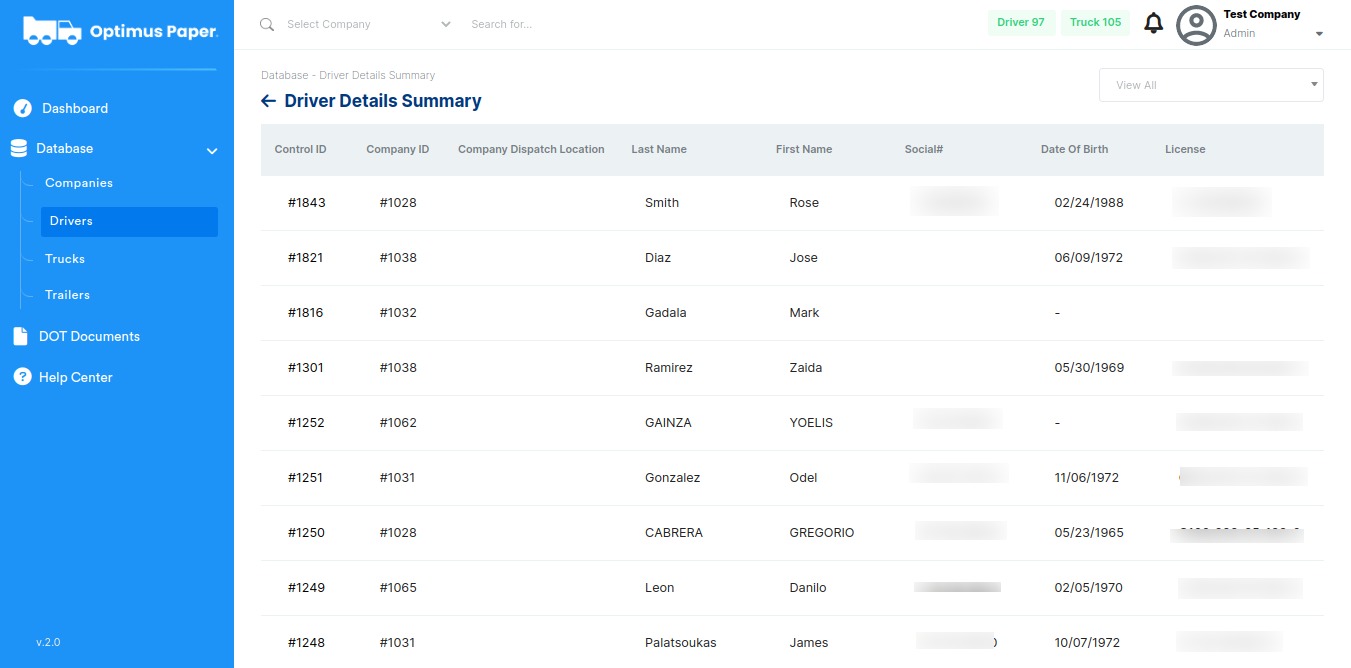
3. Choose a company from the dropdown menu on the top right of the page.
4. Select company name.
5. Click "Export CSV" button on the top right.
1. Go to the "Drivers" menu in the Sidebar.
2. Click the "Driver Detail Summary" button on the top right.
3. Choose a company from the dropdown menu on the top right of the page.
4. Select company name.
5. Click "Export CSV" button on the top right.
Comments
0 comments
Please sign in to leave a comment.